
Disclaimer: This article may contain affiliate links. As an Amazon Associate, we earn from qualifying purchases at no extra cost to you.
🌍 Note for International Readers: The images in this review feature the US (110V) model. However, our “Check Price” links are smartly geo-targeted. When you click, you will be automatically redirected to the correct local Amazon store (UK, CA, AU) showing the 220V/240V version with your correct local wall plugs.
You are ready for your camping trip, you plug in your power station, but nothing happens. The input watts stay at zero. It is a frustrating situation, and the first question in your mind is: Why is my Jackery not charging?
Before you panic or think your device is broken, know that most charging issues are due to simple safety features or cable problems, not battery failure.
In this guide, we will walk you through the 7 most common reasons why a Jackery not charging issue occurs and how to fix them quickly.
1. Temperature Protection (Too Hot or Too Cold)
This is the #1 reason for charging failures. Jackery power stations use Lithium-ion (or LiFePO4 in newer models) batteries. These batteries have a strict “safe temperature range.”
- The Problem: If the internal temperature is below 32°F (0°C) or above 104°F (40°C), the Battery Management System (BMS) will stop charging to prevent damage.
- The Fix: Move your Jackery to a moderate temperature environment (room temperature). Wait for 1-2 hours, then try charging again.
2. Faulty Charging Cable (AC Adapter)
Sometimes the issue isn’t the battery, but the brick.
- The Test: If you have a car charger cable (12V), try charging it in your car. If it works in the car but not on the wall outlet, your AC adapter is dead and needs replacement.
- A damaged adapter is a very common reason for a Jackery not charging properly.
Pro Tip: While Jackery does not always sell replacement AC adapters directly, this high-quality third-party replacement is widely rated by Jackery owners as the most reliable solution to get your power station charging again. It’s an affordable and quick fix that saves you from having to replace the entire unit.
3. The “Input” vs. “Output” Confusion
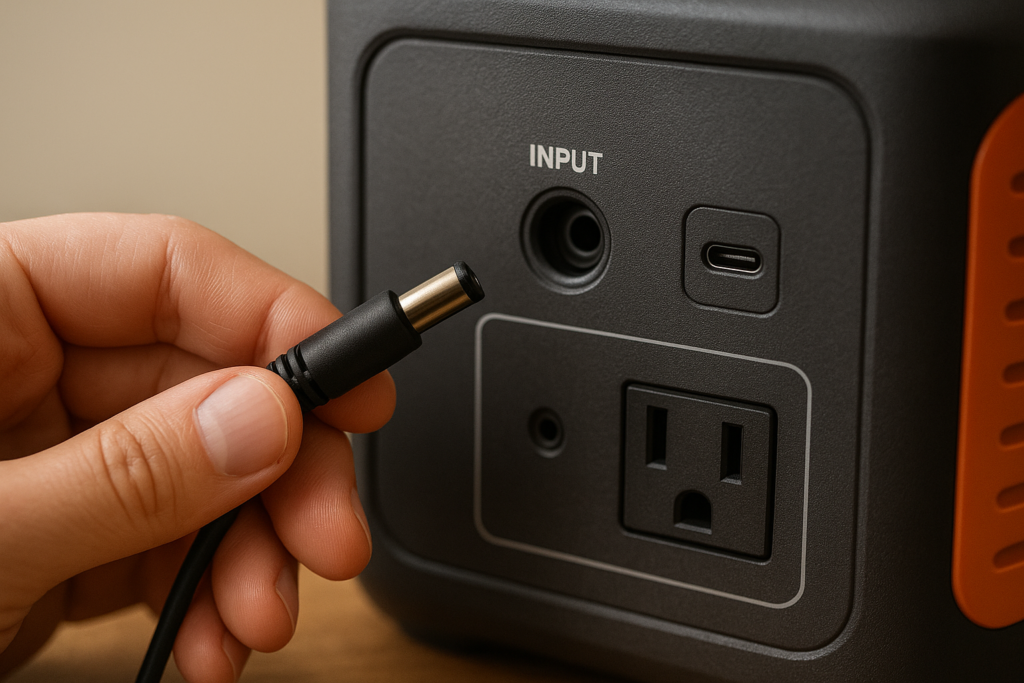
This sounds simple, but it happens. Ensure you are plugged into the INPUT port, not the output. Also, check if you are running heavy appliances while charging.
- Note: If you are consuming more power than you are putting in, the battery percentage won’t go up.
- Related Guide: Not sure about your device limits? Read our guide on [What Can a 1000Wh Portable Power Station Run?] to understand input/output balance.
Quick Fix:
If you find that your cable connector is loose, damaged, or the pins are bent, do not force it into the port. A damaged cable often fails to create a solid connection, leading to ‘0W input.’ Replacing your cable with a high-quality extension/replacement cable is a quick fix that often restores charging instantly.
4. Deep Discharge (Battery is “Dead”)
If you left your Jackery in the garage for 6+ months without use, the battery might have dropped below the critical voltage level.
- The Fix: Plug it into the wall charger and leave it for at least 5-6 hours, even if the screen shows 0%. Sometimes it needs a “jump start” to wake up the BMS.
- This often results in the Jackery not charging even when plugged into the wall.
5. Dirty Input Ports
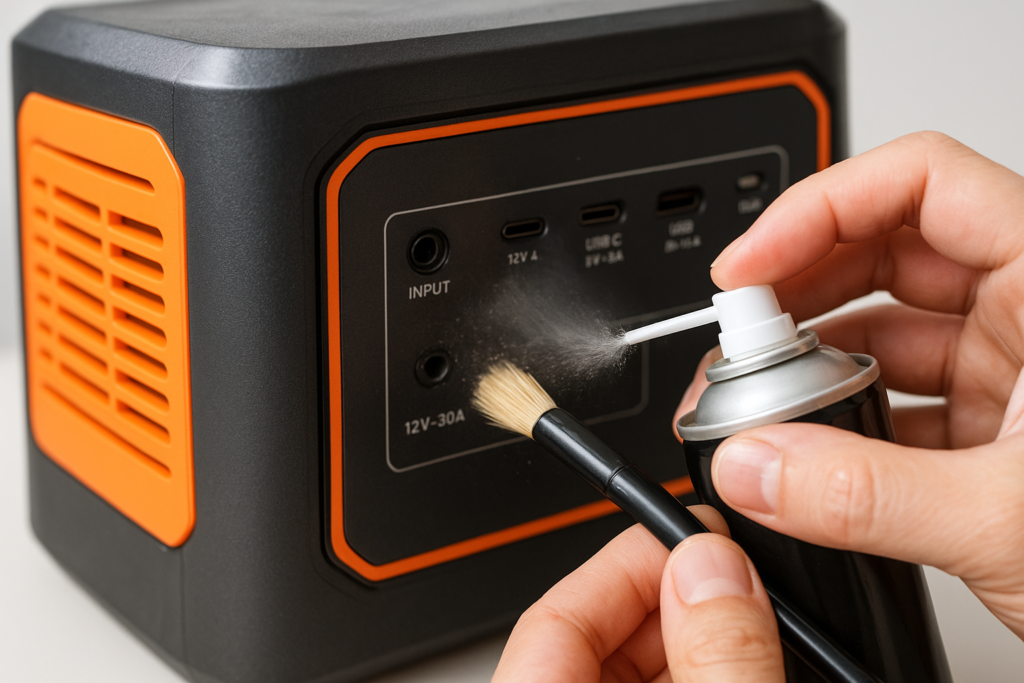
Dust or debris inside the input port can block the connection.
- The Fix: Use a can of compressed air or a soft brush to gently clean the input port.
6. Software Glitch (Needs a Soft Reset)
Sometimes the screen is frozen, or the software is stuck.
- How to Reset:
- Unplug all cables.
- Hold the Display button for 10 seconds (check your specific manual as this varies by model).
- Let it rest for a minute, then plug it back in.
7. The Unit is Old (Time for an Upgrade?)
Batteries don’t last forever. If your Jackery is an older model (Explorer 1000 or 500 original versions) and has seen heavy use for years, the cells might be degraded.
Newer models now use LiFePO4 batteries which last for 10 years (4000+ cycles). If your unit is dead, it might be time to upgrade to a more reliable, modern unit.
Here are the best replacements available now:
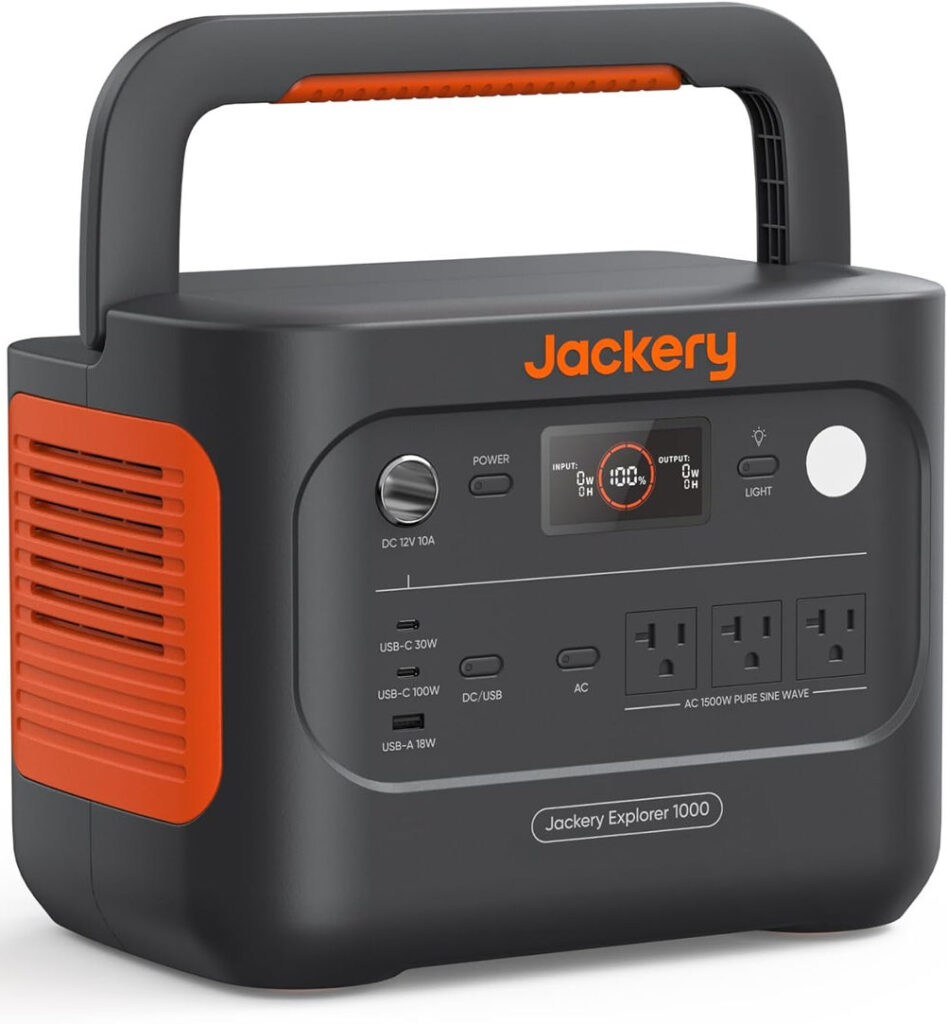
Best Overall Upgrade: Jackery Explorer 1000 v2
The new version charges faster and lasts 6x longer than the old models.
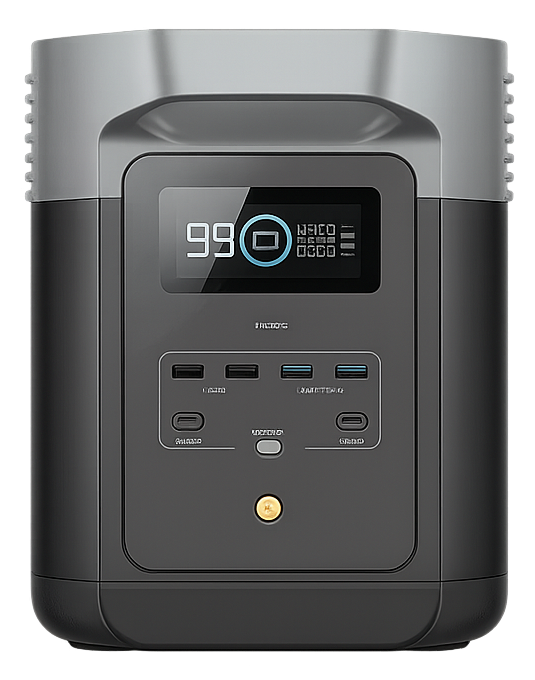
Best Fast Charging Alternative: EcoFlow DELTA 2
If you are tired of slow charging, the DELTA 2 charges from 0-80% in just 50 minutes.
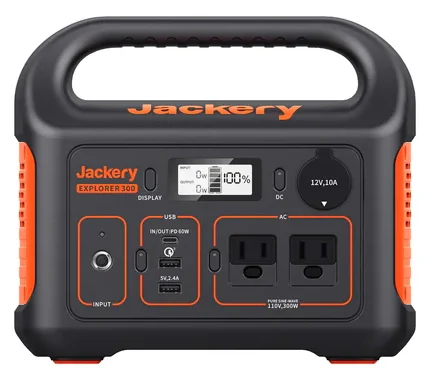
Best Budget Upgrade: Jackery Explorer 300 (LiFePO4 Version)
A lightweight, modern LiFePO4 option for quick trips.
Need more options? Check out our full comparison of the [5 Best Portable Power Stations of 2026] to find other powerful alternatives.
Conclusion: Fixing Your Jackery Not Charging Issue
If your Jackery is not charging, start by checking the temperature and cables. In most cases, a simple reset or environment change fixes the issue.
However, if your unit is aging, investing in a new LiFePO4 model is a smart move for long-term reliability.